Introduction
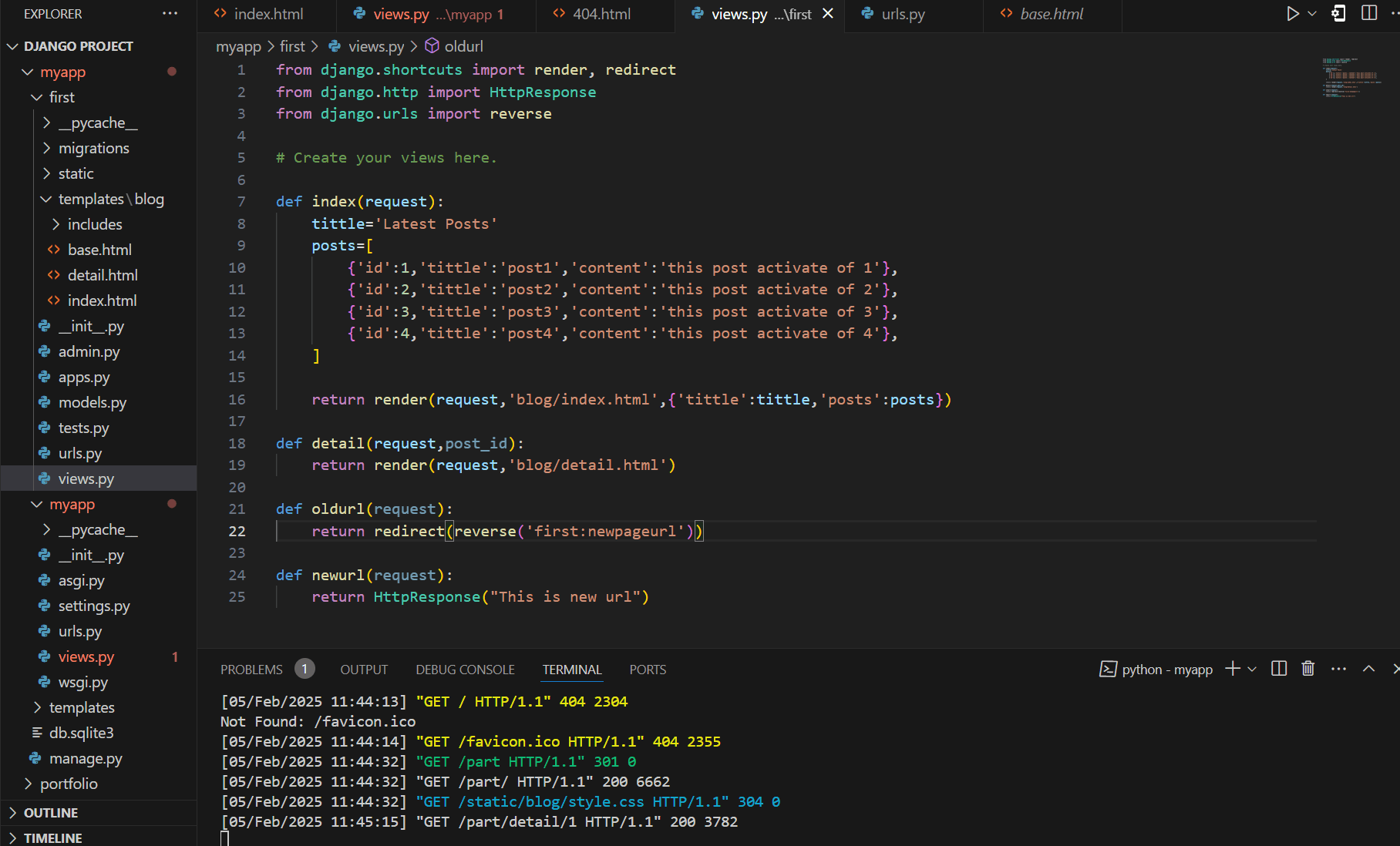
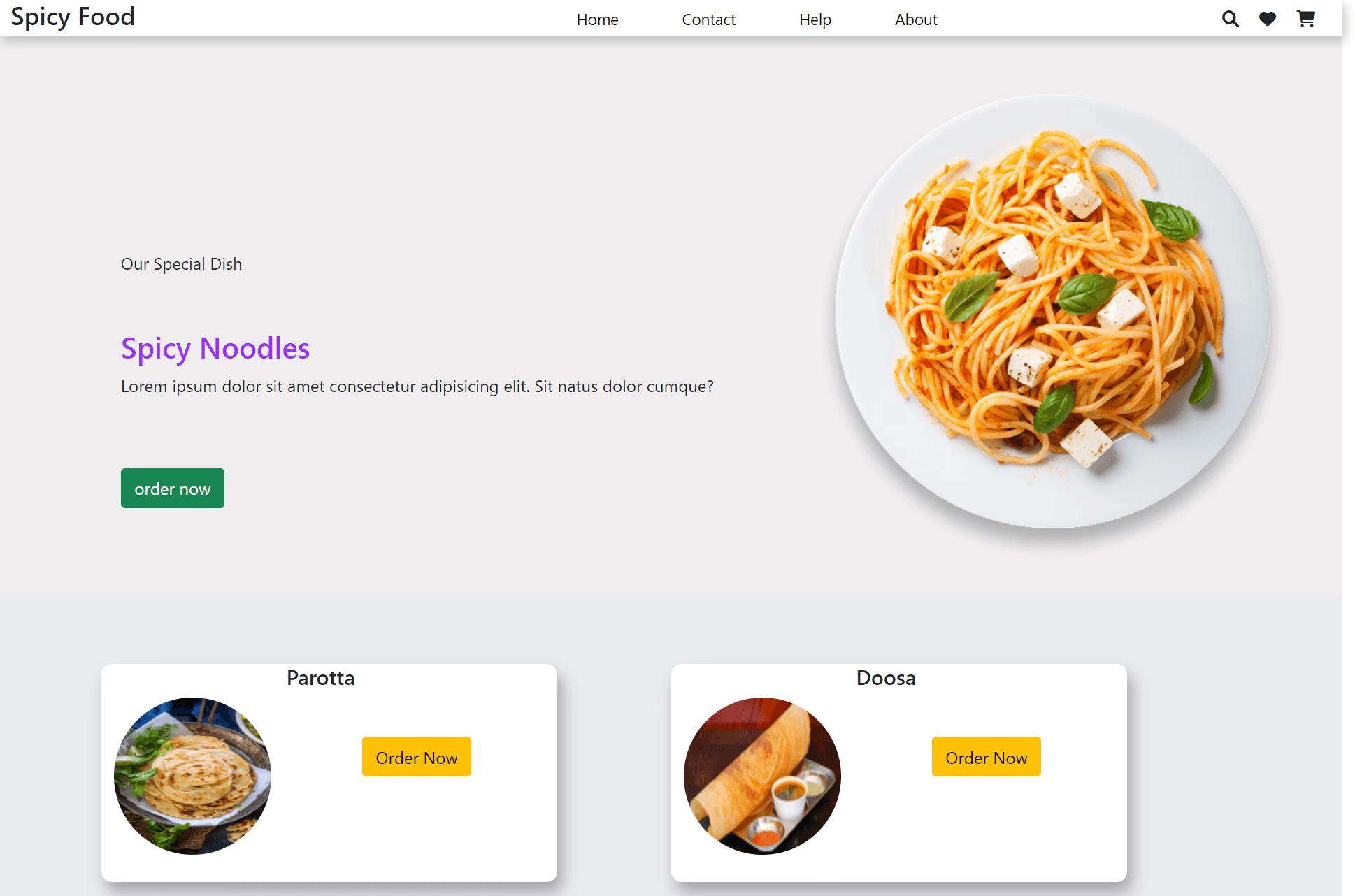
An article post webpage serves as a platform to present written content in an engaging and organized manner. It typically features a clean and readable layout with a well-structured design. The page begins with a compelling headline and a brief introduction to grab the reader's attention. High-quality images or banners may be included to enhance visual appeal. The main content is divided into sections with subheadings, ensuring easy readability
The Details Page
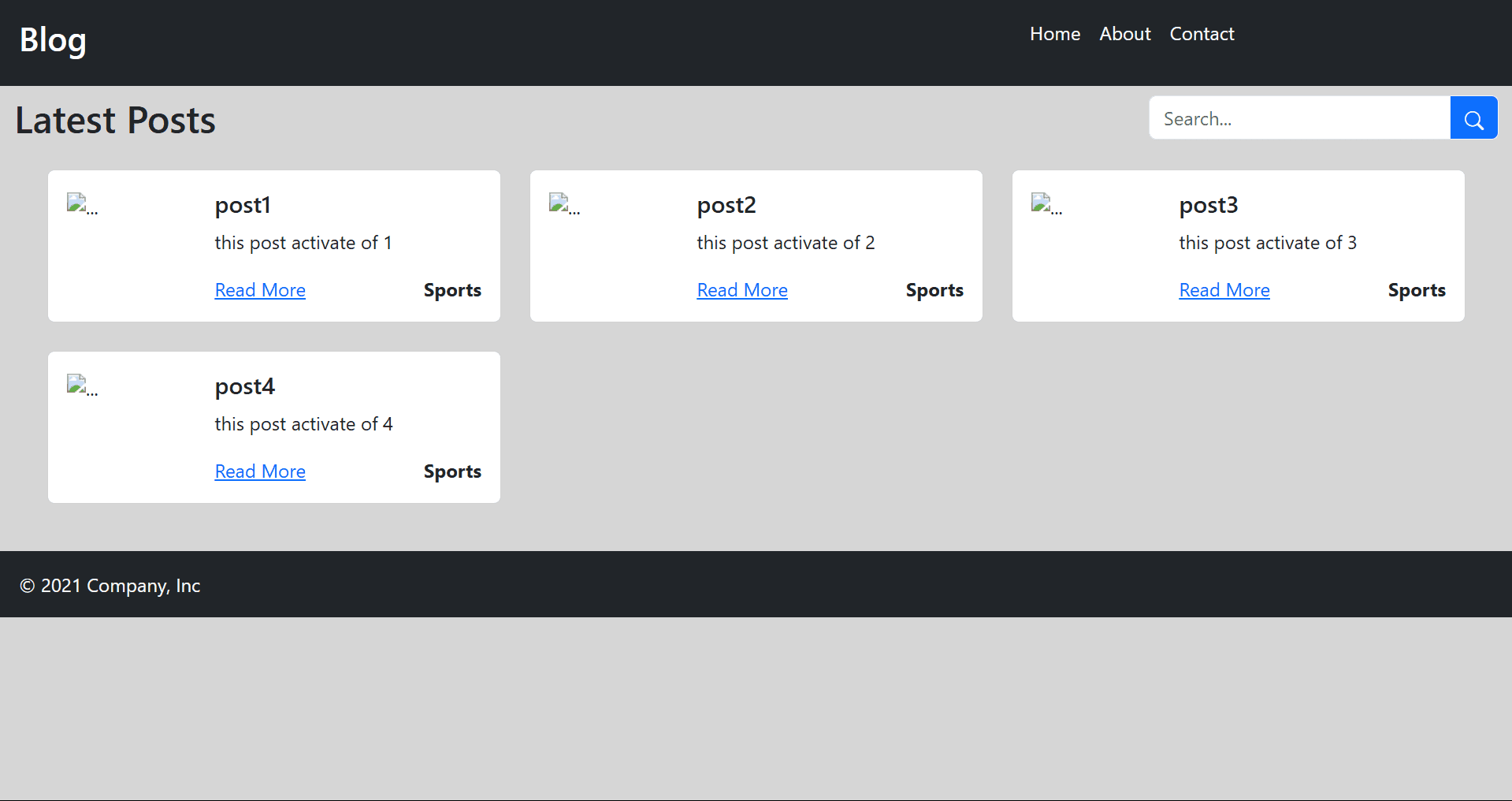
A full article show page is designed to display a complete article in an organized and user-friendly manner. It should provide a seamless reading experience while incorporating interactive elements for engagement. Below is a breakdown of its key components
Django Working View
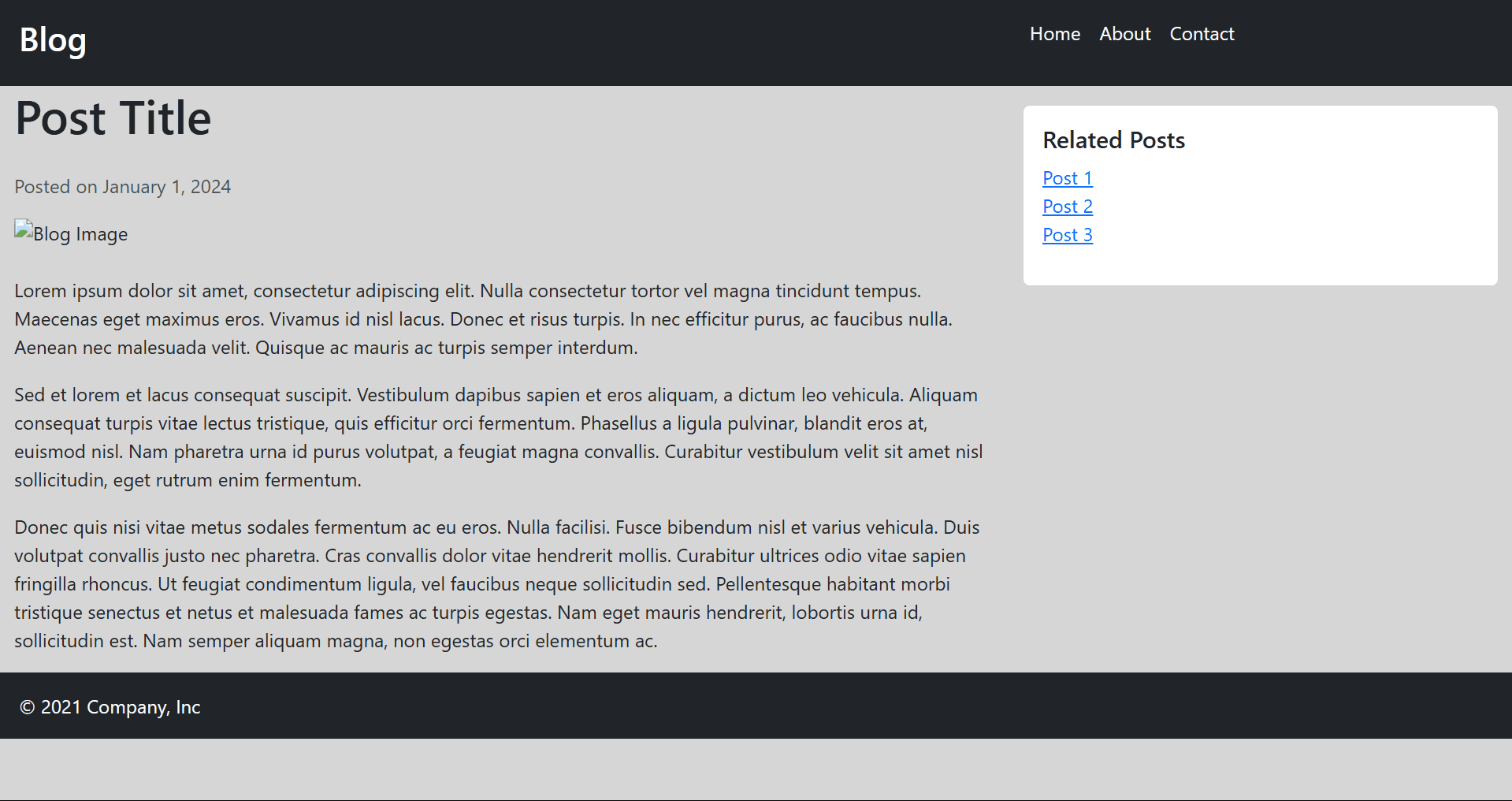
A Full Article Show Page in Django is developed using models, views, and templates. The Article model stores details like title, content, author, and publication date. A view function retrieves the article from the database and passes it to the template. The template (HTML page) displays the article with a structured layout, including a title, featured image, author details, and content.
Navigation links, social sharing buttons, and a comment section can be added for better user engagement. Django’s URL routing ensures that each article has a unique page. This approach makes the article page dynamic, scalable, and easy to manage within a Django web application.